
To use the “Promotional ONGEKI Card” included with your CD in-game, you must first register the card.
Only one of each type of Promotional ONGEKI Card can be registered per Aime card.
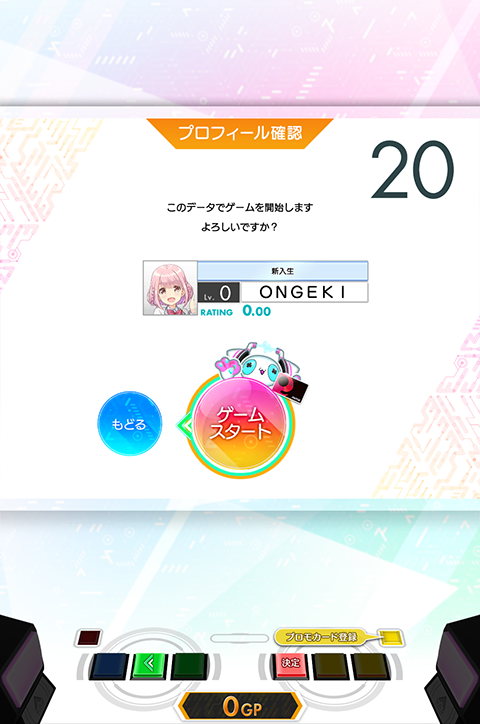
At the login screen, press the “R-MENU” button.
※ You cannot access the Promotional Card Registration screen from any other screen.
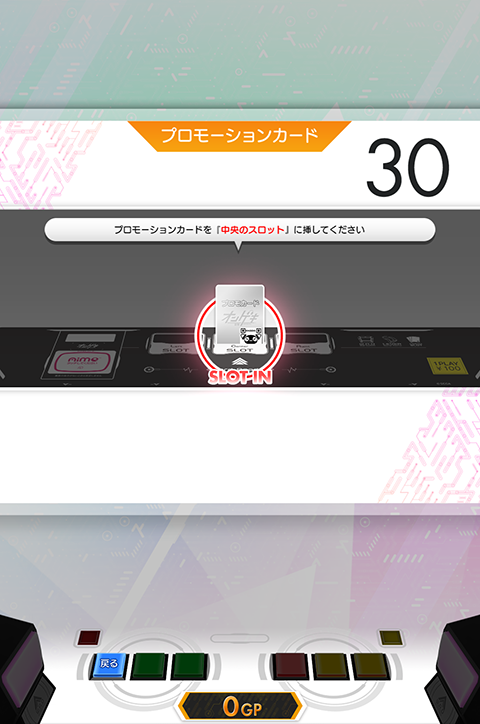
Once the “Promotional Card Registration Screen” shown above is displayed, insert your Promotional ONGEKI Card into the “center slot” of the cabinet.
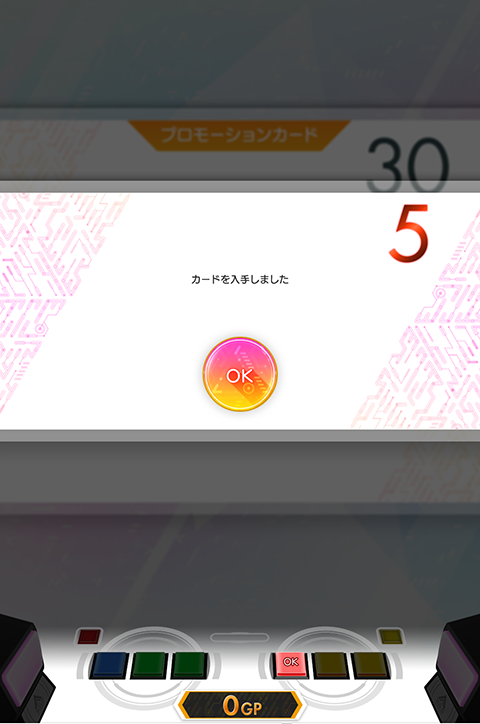
If the “Card Obtained” dialog appears, the registration was successful.
※ The card will be obtained in an unreleased state. You can release it by printing it at the Card Maker.
To obtain the “Star Ticket” included with your CD, you will need to enter the serial code on ONGEKI-NET.
※ Free members can also enter serial codes.
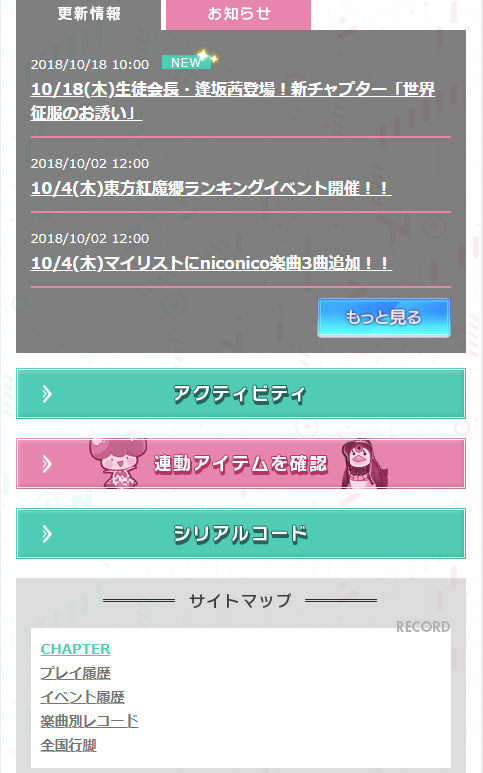
Log in to ONGEKI-NET, select your Aime, and tap “Serial Code” from the TOP screen.
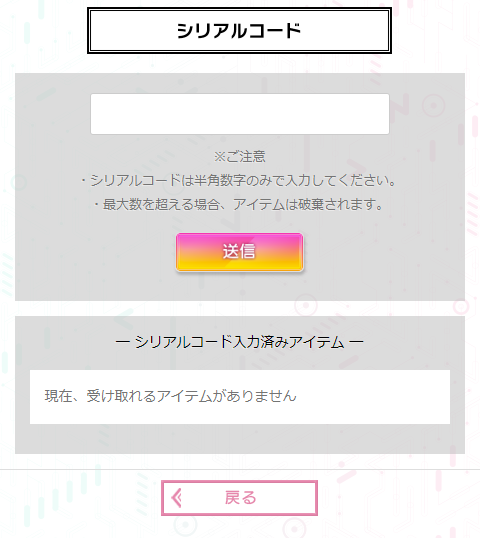
Once this screen appears, tap the input box and enter your serial code. (No spaces required)
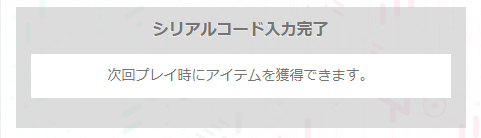
If the message shown above appears, the entry was successful.
Your item can be obtained by logging into an ONGEKI cabinet.
※ Promotional Star Tickets can only be used for limit breaking Promotional ONGEKI Cards.